Is this a subscription?
No. You pay once and may use the purchased version indefinitely. Every tier includes 12 months of updates (Pro and Enterprise also include support). After that you can renew updates for 20% of the price per year – but you don't have to: the software keeps running indefinitely.
What does “freely editable” mean?
You receive the complete source code and may adapt it as you like for your own company. Resale or transfer to third parties is not permitted.
What are the server requirements?
Standard web hosting with PHP 8.2 or newer and SQLite is enough. No database installation, no special services.
How many users or technicians are included?
Basic includes up to 5 users, Pro up to 30 users and Enterprise up to 100 users – technicians and staff count as users. Exception: with the app add-on (one-time per company: €33 (Basic), €59 (Pro) or €99 (Enterprise)) you get as many app users as you need. There are no per-seat prices – if you need more users, simply choose the next tier.
What happens when the update term ends?
The software keeps running unchanged. You simply won't receive new versions until you renew.
Can you help us with the setup?
Yes – in the Enterprise package we set up the software, connect interfaces and adapt workflows to your company.
Can I try it out?
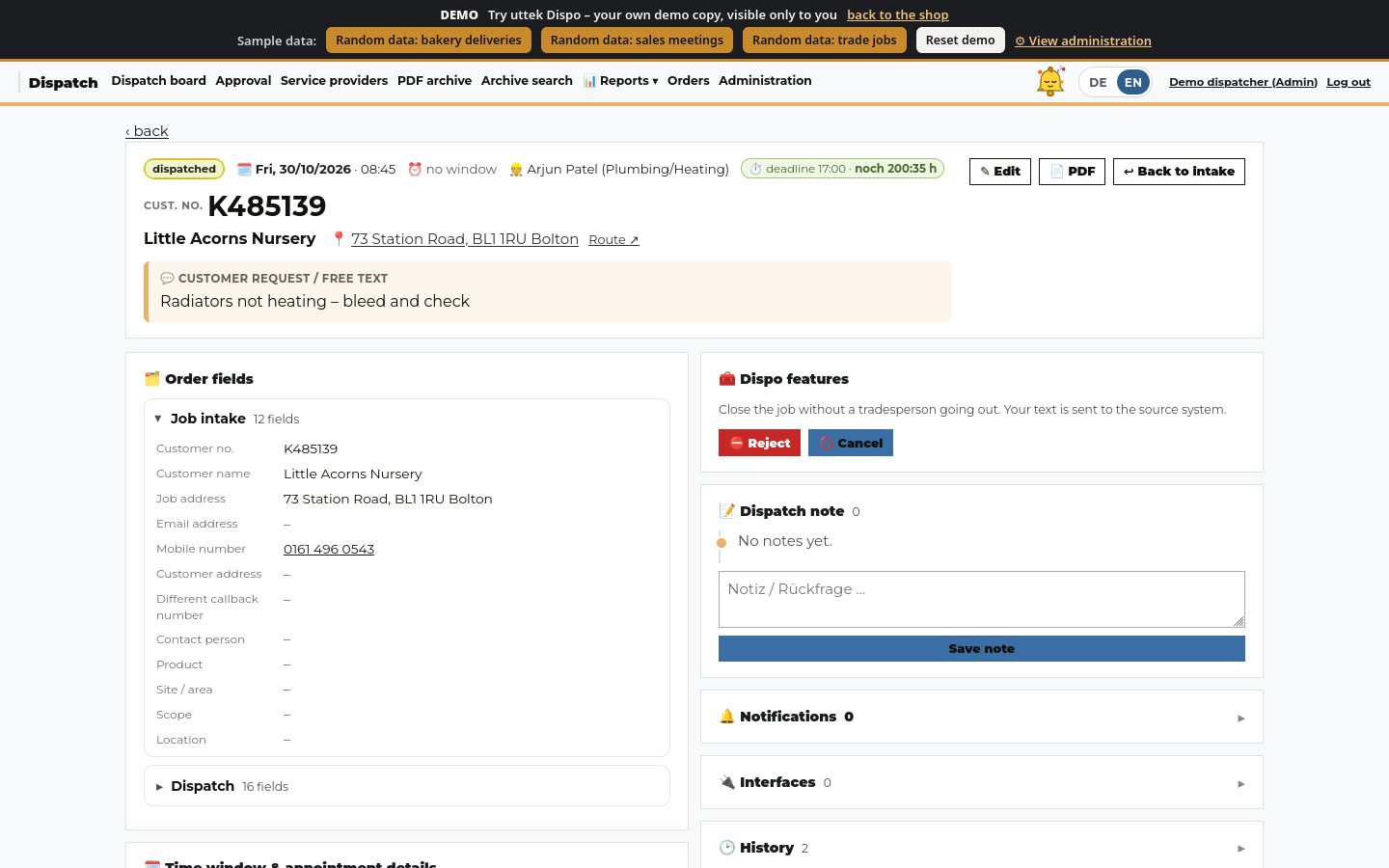
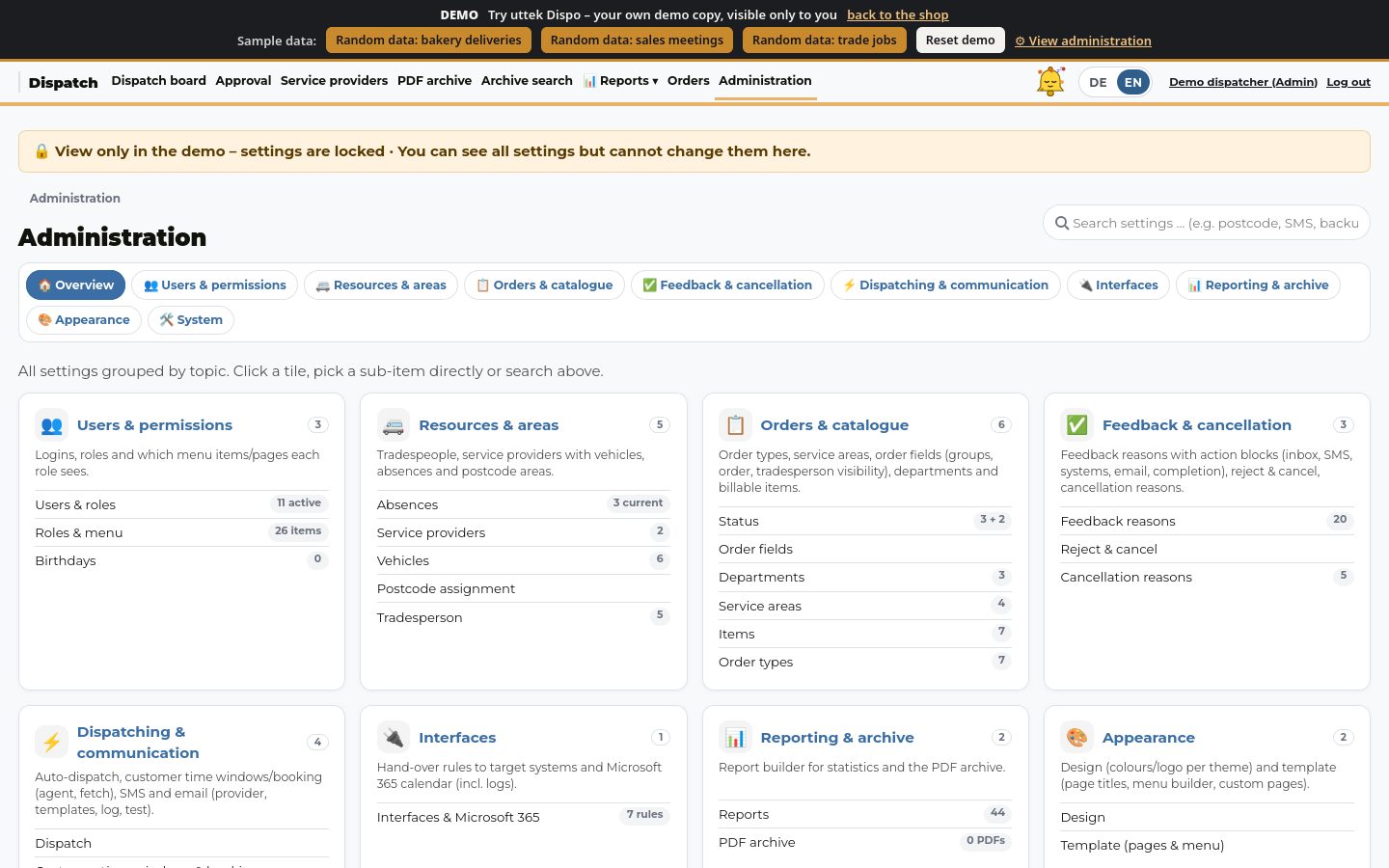
Yes. In the live demo you try uttek Dispo without logging in – with your own demo copy and selectable sample data (trades, bakery, sales). You can see the whole admin area; settings are locked in the demo.
What is uttek Dispo?
uttek Dispo is job scheduling software: it distributes orders to technicians, installers and external contractors, shows everything on a planning board and keeps customers informed about appointments. It runs in the browser – on the PC and on the phone.
Which companies is uttek Dispo designed for?
For businesses that plan lots of on-site appointments: installation, maintenance, customer service, utilities or network roll-out, for example. The software was born in a large dispatch operation with in-house technicians and external contractors.
How much does uttek Dispo cost?
One-time: Basic €99, Pro €229, Enterprise €649 (final prices, no VAT under § 19 UStG). Every tier includes 12 months of updates; Pro adds e-mail support, Enterprise adds setup and priority support. “With service” costs an extra €69 / €129 / €329. In the bundle with CRM and ticket system you get everything together from €199. Optional extra: the mobile app for a one-time €33 (Basic), €59 (Pro) or €99 (Enterprise) per company – as many app users as you need, no subscription.
Is there a limit on users or orders?
Basic includes up to 5 users, Pro up to 30 users and Enterprise up to 100 users – technicians and staff count as users. Exception: with the app add-on (one-time per company: €33 (Basic), €59 (Pro) or €99 (Enterprise)) you get as many app users as you need. There are no per-seat prices – if you need more users, simply choose the next tier.
Is there a demo?
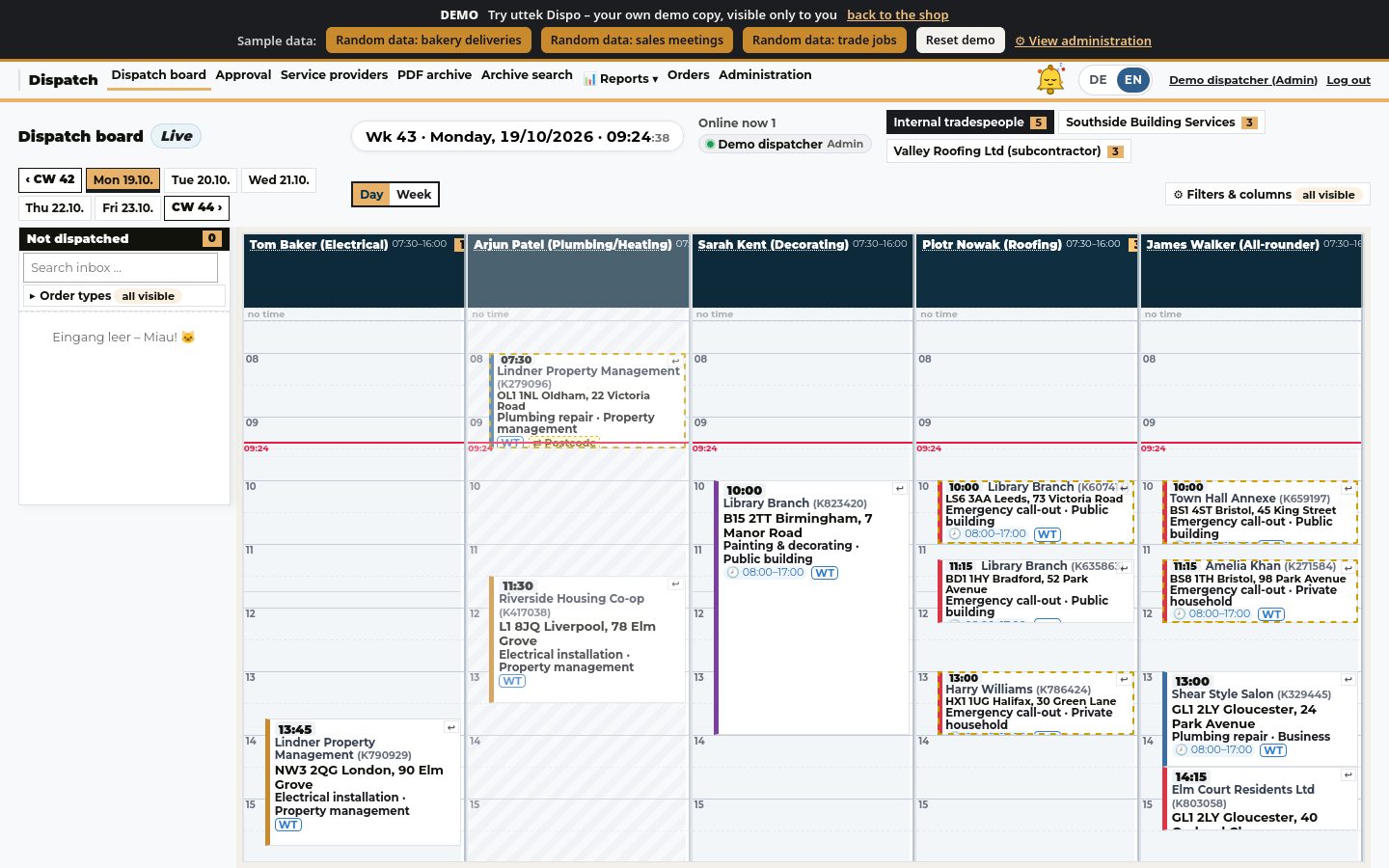
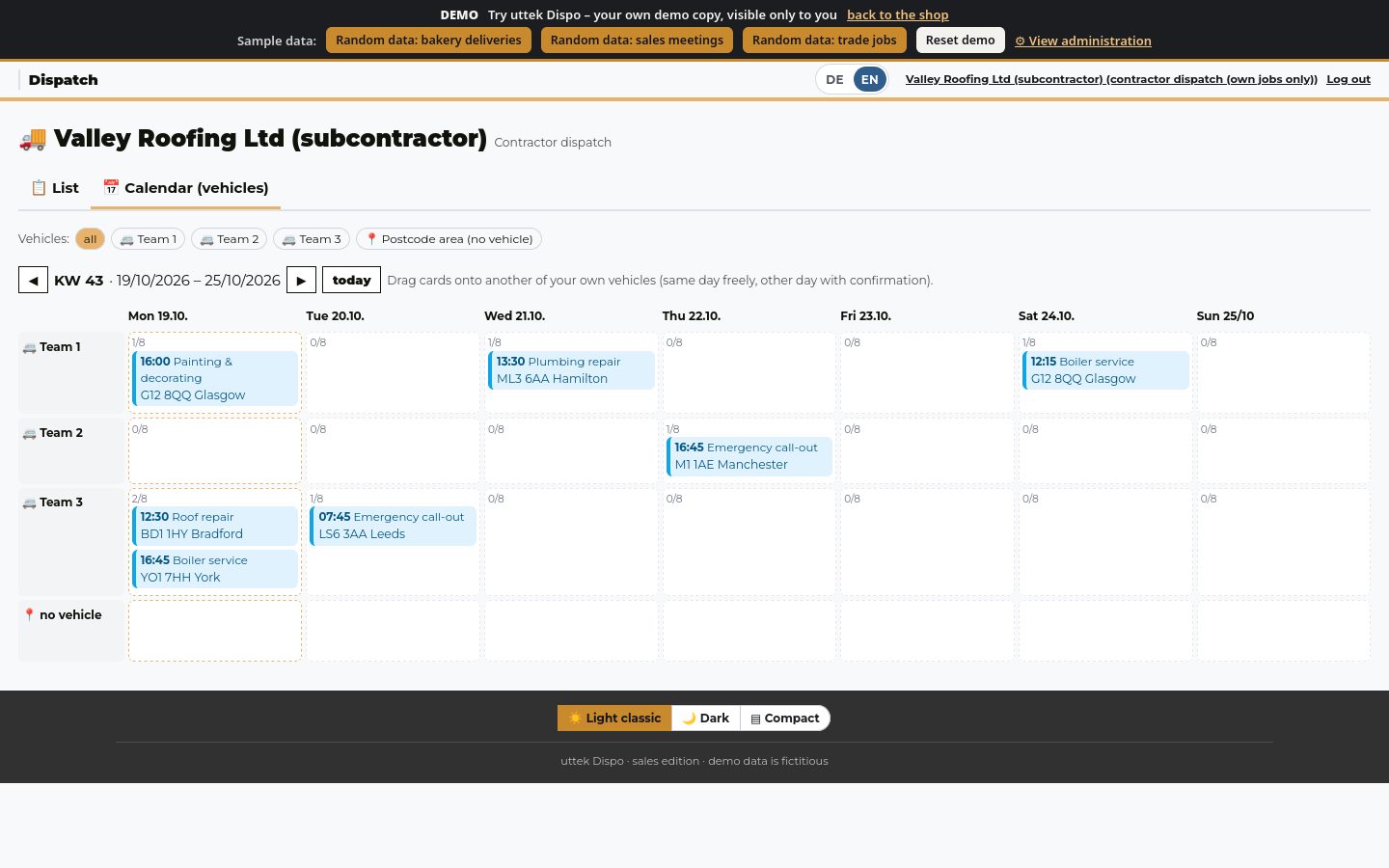
Yes. The product page has a live demo – no login needed: you land directly on the planning board. Every visitor works in their own demo copy (valid for 24 hours), so moving jobs and trying Auto-Dispo is allowed. With one click you load 100 sample records for trade jobs, bakery deliveries or sales meetings, or reset the demo. You can see the whole admin area, but settings are locked in the demo. Via the login page you can also try the technician and contractor views.
Does uttek Dispo work on mobile phones?
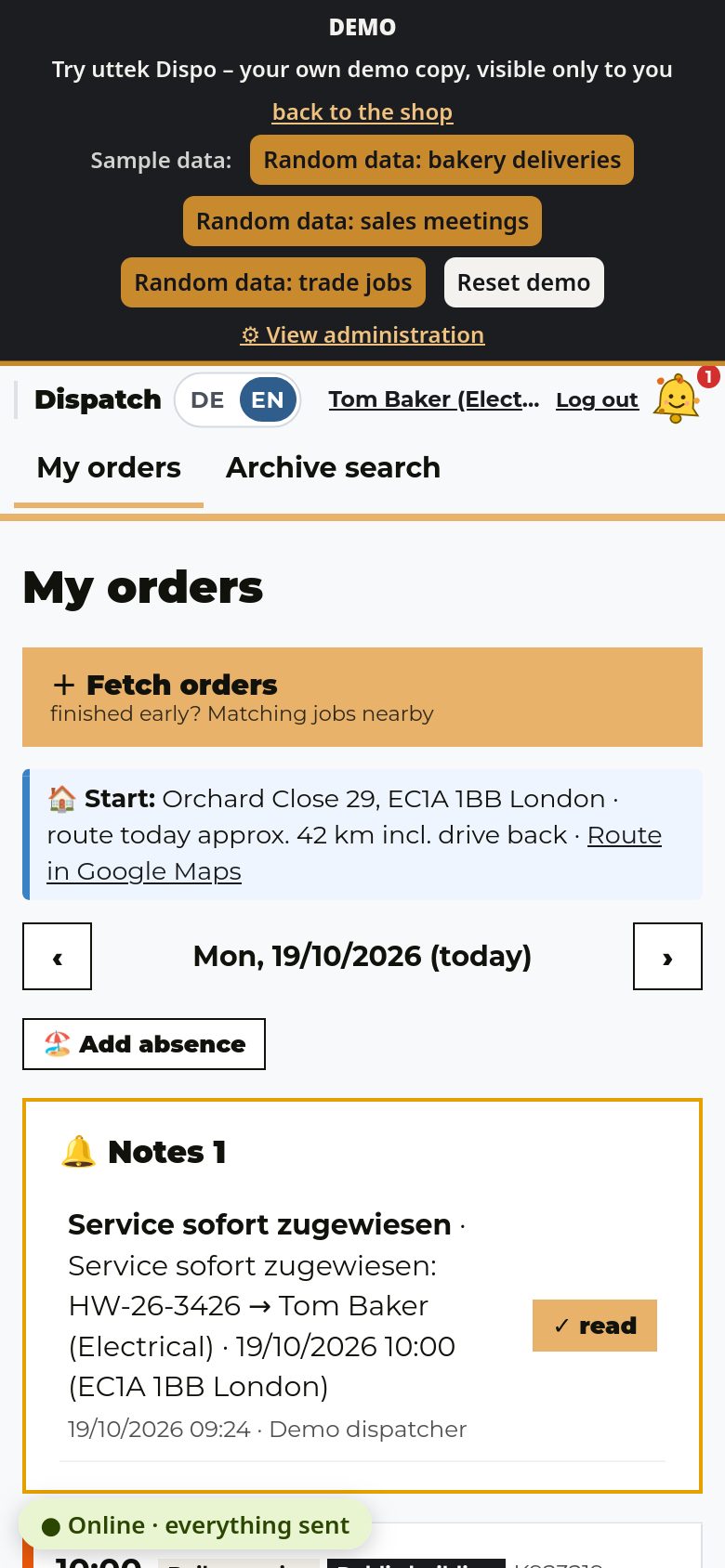
Yes. The interface adapts to smartphones. Technicians have their own simplified view of their daily orders. You can add the page to the home screen like an app – no app store needed.
What does Auto-Dispatch do?
Auto-Dispatch suggests which technician takes which order on which day. It takes postcode areas, capacities, absences and appointments into account. You can review the suggestions and apply them.
What is the postcode logic?
Postcode areas can be assigned to each technician or contractor – as primary and as fallback areas. Orders are then preferably given to the responsible technician.
What happens if a technician is absent?
Absences such as holidays or sickness are entered. The planning takes them into account, and stand-ins can be set up for areas who then step in.
What is the planning board?
The planning board shows technicians and days as a grid. Orders are cards that you can reschedule by drag & drop. You see at once who has how much to do and when.
What are caps?
Caps are upper limits, for example how many orders a technician should handle per day. If a limit is exceeded, the software warns you – but it does not prevent it, so you stay flexible.
What are fixed and preferred appointments?
These are appointments with a set date, such as a date given by the client (fixed appointment) or a date the customer asked for (preferred appointment). They are prioritised in planning and protected against accidental moves. If one has to be moved after all, this is clearly marked and logged.